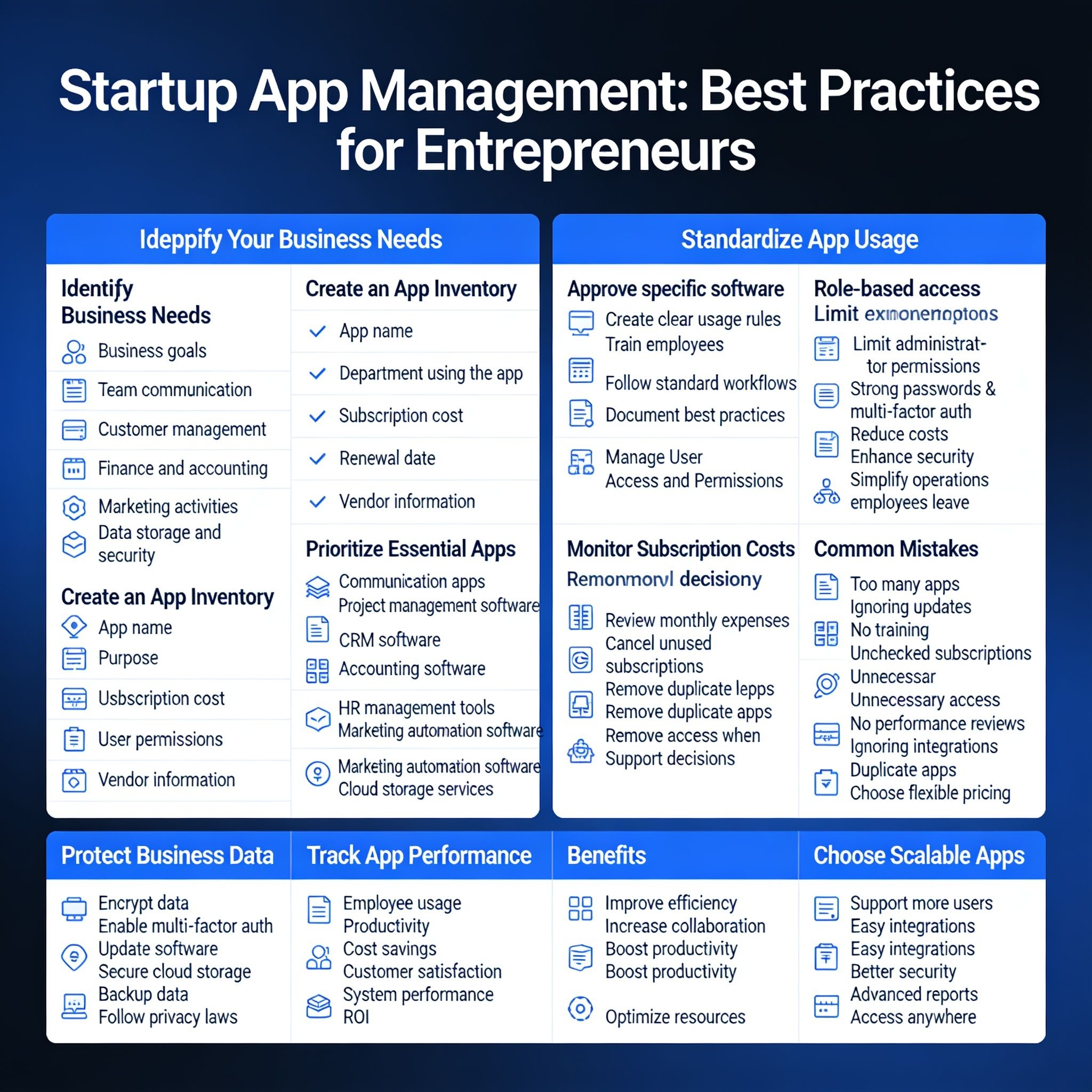
Startup App Management: Best Practices for Entrepreneurs
Startup apps make it easier to run a business in today's digital world. They help businesses communicate with team members, manage projects, keep track of customers, handle marketing, manage finances and organize daily work. As a startup grows, it usually starts using more apps to meet different business needs.
The right apps can save time, improve productivity and help your business grow. However, using too many apps without proper management can increase costs, create confusion and cause security problems. Good app management helps you choose the right software, organize it properly and make sure every app supports your business goals. It also improves teamwork, protects important data and prepares your business for future growth.
Identify Your Business Needs
Before choosing any app, understand what your business needs. Every team may require different software, so select apps that support your daily work and business goals.
Things to Consider
Business goals
Team communication
Customer management
Finance and accounting
Marketing activities
Data storage and security
Create an App Inventory
As your business grows, you may use many different apps. Keeping a complete list of all your software makes it easier to manage subscriptions, monitor usage and avoid paying for duplicate apps.
Your App Inventory Should Include
App name
Purpose
Department using the app
Subscription cost
User permissions
Renewal date
Vendor information
Prioritize Essential Apps
Not all apps are equally important. Focus on the apps that help your business perform its daily tasks efficiently.
Essential Startup Apps
Communication apps
Project management software
Customer Relationship Management (CRM) software
Accounting software
Human resource management tools
Marketing automation software
Cloud storage services
Standardize App Usage
Using different apps for the same work can create confusion and reduce productivity. Choose standard apps for your business and encourage all employees to use them.
Best Practices
Approve specific software
Create clear usage rules
Train employees
Follow standard workflows
Document best practices
Manage User Access and Permissions
Business apps often contain important company and customer information. Employees should only have access to the apps and features they need for their jobs.
Security Tips
Give role-based access
Limit administrator permissions
Use strong passwords and multi-factor authentication
Review user access regularly
Remove access when employees leave
Monitor Subscription Costs
Software subscriptions can become expensive over time. Review your software expenses regularly to make sure you are only paying for apps that your business actually uses.
Ways to Reduce Costs
Review monthly software expenses
Cancel unused subscriptions
Remove duplicate apps
Negotiate better prices
Choose flexible pricing plans
Protect Business Data
Keeping your business and customer information safe should be a top priority. Good security practices help prevent data loss and build customer trust.
Important Security Measures
Encrypt important data
Enable multi-factor authentication
Update software regularly
Use secure cloud storage
Back up important data
Follow data privacy laws
Track App Performance
Check how your apps are performing to make sure they are helping your business. Regular reviews help you decide whether to keep, improve or replace an app.
Measure These Areas
Employee usage
Productivity
Cost savings
Customer satisfaction
System performance
Return on investment (ROI)
Choose Apps That Can Grow with Your Business
As your startup grows, your software should be able to support more users and larger business operations.
Look for Apps That Offer
Support for more users
Easy integration with other apps
Better security features
Advanced reports
Access from anywhere
Benefits of Good Startup App Management
Improves business efficiency
Increases team collaboration
Boosts employee productivity
Makes better use of business resources
Reduces software costs
Improves data security
Simplifies daily work
Supports better business decisions
Common Mistakes to Avoid
Using Too Many Apps
Too many apps can make work complicated and increase business expenses.
Ignoring Software Updates
Old software can have security problems and may not work properly.
Not Training Employees
Employees need proper training to use business apps effectively.
Not Checking Subscription Costs
Unused software can waste money if subscriptions are not canceled.
Giving Everyone Full Access
Providing unnecessary access increases the risk of data breaches.
Not Reviewing App Performance
Regular reviews help identify apps that are no longer useful.
Ignoring App Integrations
Connecting apps can save time and reduce manual work.
Using Multiple Apps for the Same Job
Duplicate apps create confusion and increase unnecessary costs.
Final Thoughts
Managing startup apps properly is an important part of running a successful business. The right apps help improve communication, manage projects, serve customers and simplify daily operations. However, using too many apps without proper planning can increase costs and reduce efficiency.
Start by identifying your business needs, choosing the most useful apps and keeping an updated app inventory. Manage user access carefully, monitor subscription costs, protect your business data and review app performance regularly. By following these simple practices, startups can build an organized, secure and scalable technology system that supports long-term business growth and success.